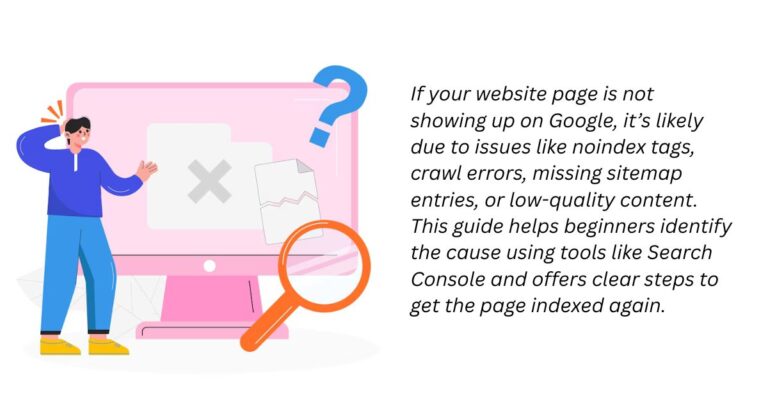

You’ve done everything by the book submitted your site to Google Search Console (GSC), verified that it’s indexed, and even checked for manual penalties. But when you search for your own site on Google, it’s completely missing. Even searching for site:yourwebsite.com returns nothing. This can be one of the most frustrating experiences for website owners, especially when you’ve put in the effort to ensure your site is discoverable.
If this situation sounds familiar, don’t worry you’re not alone. Many website owners, especially those launching new sites, encounter this issue. The good news is, there are specific reasons why this happens, and in most cases, it can be fixed.
Is Your Website Truly Indexed?
Before diving into potential problems, it’s important to confirm whether Google has actually indexed your site. Previously, you could check this using Google’s cache:yourwebsite.com operator, which displayed Google’s cached version of your page. However, Google has removed this feature, so now we have to rely on other methods.
How to Check Indexing Status?
- Use Google Search Console (GSC) URL Inspection Tool: Open GSC and paste your homepage URL into the inspection tool. If GSC confirms the page is indexed, then Google knows about your site.
- Try a “site:” Search: Type
site:yourwebsite.cominto Google. If zero results show up, your site isn’t indexed properly. - Check Crawl Status in GSC: Go to the Coverage report and look at the last crawl date to see if Googlebot has visited recently.
If GSC confirms that your site is indexed but you still don’t see it in search, the issue lies elsewhere.
Why Isn’t Your Indexed Website Appearing in Search?
If your site is indexed but missing from search results, several technical and algorithmic factors might be at play.
1) Your Site is Too New
If you launched your website recently, Google’s algorithms might not trust it enough to rank it. Even though it’s indexed, Google doesn’t guarantee every indexed page will show up in search immediately.
Solution: Keep publishing high-quality content, build backlinks, and let Google’s algorithm learn about your site over time.
2) Google’s Algorithm Deems Your Site Low-Quality
Google prioritizes pages that offer value to users. If your content is thin, duplicated, or lacks EEAT (Experience, Expertise, Authoritativeness, Trustworthiness), it may not rank even if it’s indexed.
Solution: Improve your content quality. Add original insights, statistics, and value to your pages. Build backlinks from reputable sources to increase domain authority.
3) Your Homepage is Canonicalized to Another Page
Check if your homepage has a canonical tag pointing to another URL. If Google sees another page as the preferred version, it might ignore your homepage.
Solution: Inspect your canonical tags using the URL Inspection Tool in GSC. If needed, remove incorrect canonical references.
4) Robots.txt or Meta Robots Might Be Blocking Visibility
Even if Google has indexed your site, incorrect robots.txt rules or meta robots tags can affect how it appears in search results.
Solution: Go to yourwebsite.com/robots.txt and check for any Disallow rules blocking search engines. Ensure your homepage does not have <meta name="robots" content="noindex"> in the source code.
5) You Might Have a Manual or Algorithmic Penalty
Even if you don’t see a manual penalty in GSC, algorithmic penalties (like Google’s Helpful Content Update) can suppress your rankings.
Solution: Audit your content to ensure it’s useful and user-focused. Check for spammy backlinks using Google’s Disavow Tool if necessary.
6) Google is Still Evaluating Your Site
Google uses an internal ranking system to decide which pages deserve to be in search results. Sometimes, Google will index a site but temporarily hold it back from appearing while evaluating its quality.
Solution: Keep improving your site with consistent content updates. Continue getting high-quality backlinks and engagement.
Having your website indexed but not appearing in search results can be frustrating, but it’s a problem that can be solved with the right approach.
The key steps to take:
- Confirm Google has truly indexed your site using GSC and site: search.
- Improve content quality to align with Google’s ranking system.
- Check canonical tags to ensure the right pages are indexed.
- Fix any blocking issues in robots.txt or meta robots.
- Build authority through backlinks and social engagement.
- Be patient—Google might take time to rank your site.
These strategies can increase your chances of appearing in Google’s search results and improve your overall website visibility. If your site still doesn’t show up after making these fixes, drop a comment below, and let’s figure it out together!