
Let’s be honest for a second.
You can spend weeks creating the perfect YouTube video — scripting, filming, editing, colour grading, adding captions — and still get 50 views if you ignore one thing: YouTube SEO.
YouTube is the world’s second largest search engine, with over 2.6 billion monthly active users and more than one billion hours of video consumed every single day. That is not just a video platform. That is a search engine with video results. And just like Google, if you don’t optimize, you don’t get found — no matter how good your content actually is.
The good news? You don’t need to spend a single rupee to start doing YouTube SEO properly. There are genuinely powerful free tools available in 2026 that help you find the right keywords, optimize your titles and tags, track your rankings, steal your competitors’ strategies, and design thumbnails that get clicks — all at zero cost.
This guide covers 20+ free and freemium YouTube SEO tools, what each one actually does, who it’s built for, and exactly when upgrading to a paid plan makes sense. We’ve also included honest limitations for every tool so you know what you’re walking into before investing your time.
Why YouTube SEO Is Different From Google SEO?
YouTube SEO and Google SEO share the same underlying logic — match your content to what people are searching for — but the ranking signals are entirely different.
On Google, backlinks, domain authority, and technical page speed matter enormously. On YouTube, the algorithm primarily weighs:
- Watch time and audience retention — how long people actually stay on your video before leaving
- Click-through rate (CTR) — how many people click your video thumbnail when it appears in search or suggested
- Engagement signals — likes, comments, shares, saves, and subscribes triggered by a video
- Keyword relevance — whether your title, description, tags, and spoken content match the search query
- Channel authority — how your overall channel performs, not just individual videos
The tools in this guide help you optimize the elements you can directly control — keywords, titles, descriptions, tags, thumbnails, and metadata. The rest comes from creating content people genuinely want to watch all the way through.
Built-In Free Tools
Start Here Before Anything Else
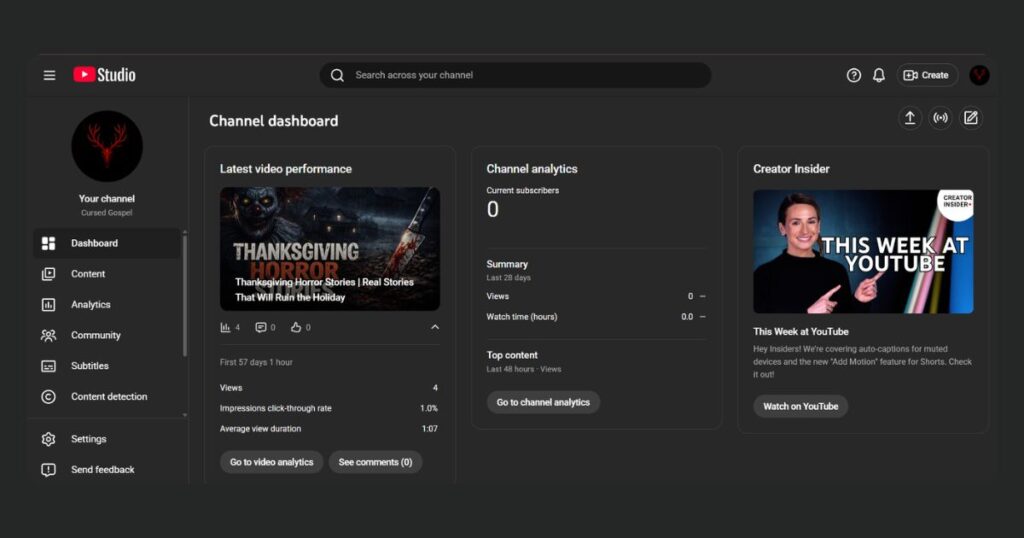
1. YouTube Studio Analytics
- Cost: 100% Free (built into every YouTube channel)
- Best For: Understanding exactly what’s working and what’s not on your own channel
Before using any external tool, mine your own data first. YouTube Studio Analytics shows you exactly where your traffic comes from, how long people watch your videos, your thumbnail click-through rates, and the actual search terms people typed before finding your videos.
That last one — the search terms report — is free keyword research specific to your channel that most creators completely ignore. It tells you what’s already working so you can create more of it.
Limitation: Shows your own data only. No competitor research, no keyword discovery before you film.
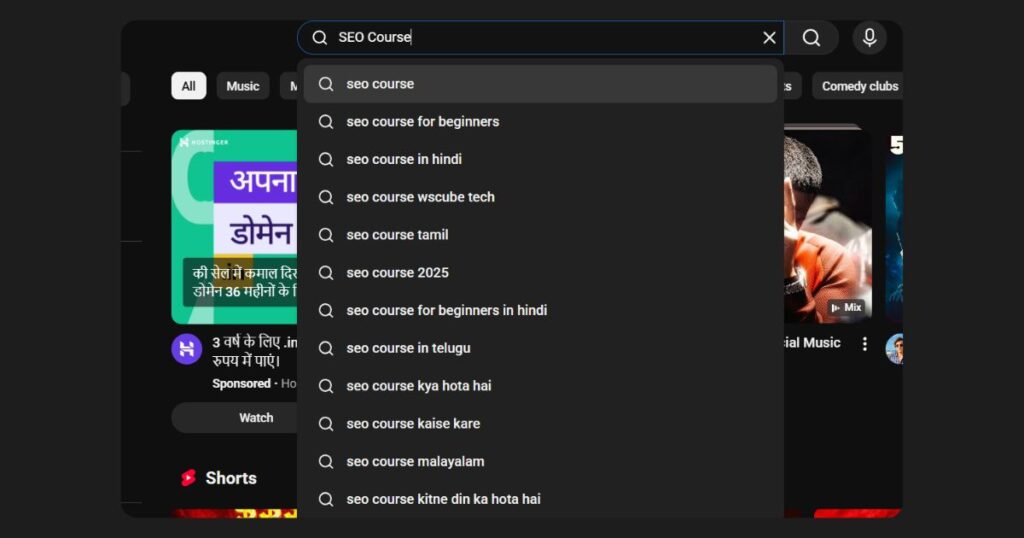
2. YouTube Autocomplete
- Cost: 100% Free — no tools needed
- Best For: Finding real search queries people are actually using
Type your topic into YouTube’s search bar and stop before pressing Enter. The suggestions that appear are real searches from real people, updated constantly. These are your keywords. Use them in titles, descriptions, and tags.
Pro tip: Try the alphabet method — type your keyword followed by each letter (a, b, c…) to uncover dozens of long-tail variations fast.
Limitation: No search volume or competition data. Use alongside VidIQ or TubeBuddy to validate the keywords you find.
3. Google Trends (YouTube Search Filter)
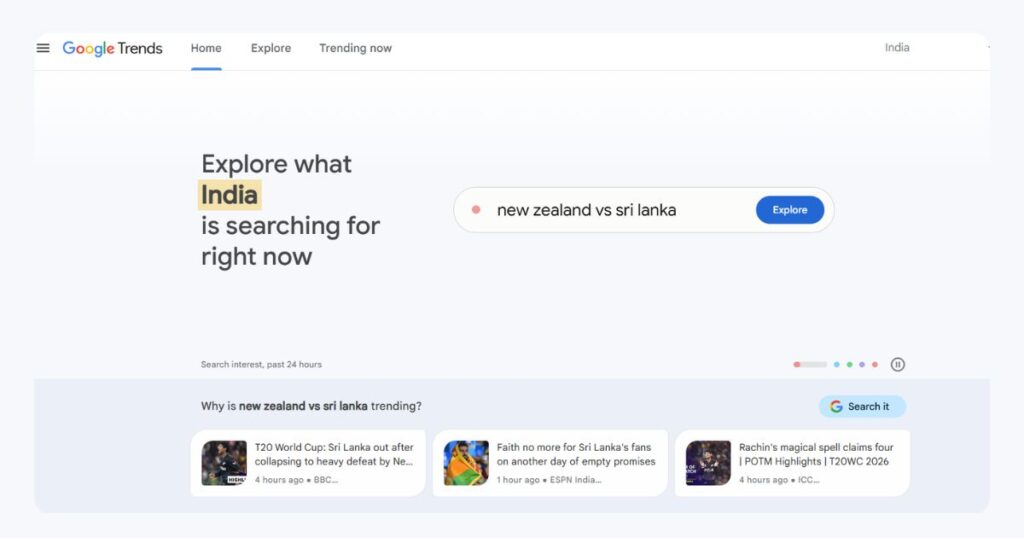
Cost: 100% Free Best For: Timing content around rising trends and seasonal demand
Most creators use Google Trends for web search data — but there’s a YouTube-specific filter that shows you what’s trending on YouTube specifically. This tells you whether a keyword is growing, stable, or declining before you invest time making a video around it.
Use it to plan seasonal content in advance (publish before the peak, not during it) and to compare two keyword ideas side by side to see which has more momentum.
Limitation: Shows relative popularity (0–100 scale) not absolute search volume. Good for direction, not for final keyword decisions.
YTSeoTools — The Fully Free Multi-Tool Suite
4. YTSeoTools (ytseotools.com)
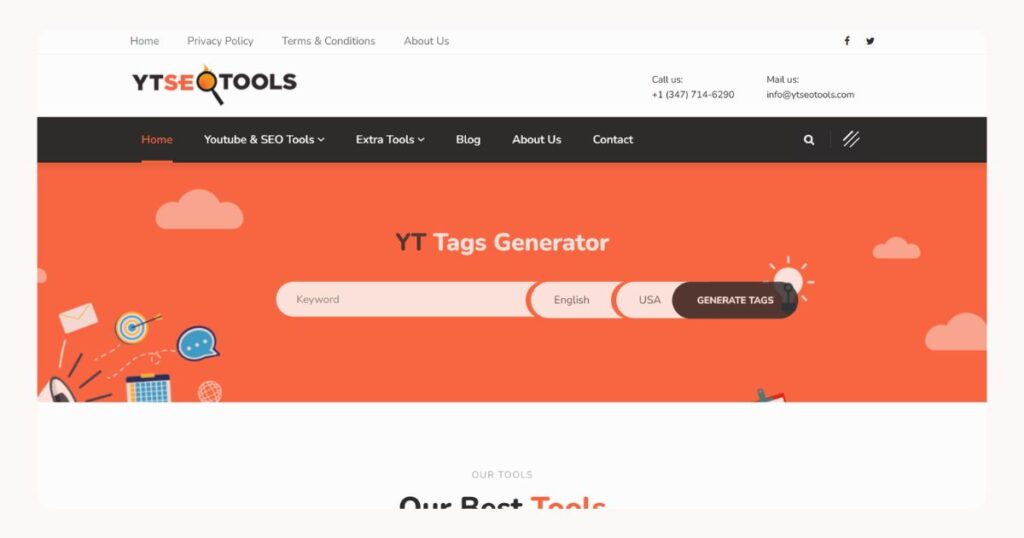
Cost: 100% Free — no account, no paid tiers Best For: Creators who want multiple YouTube SEO utilities in one place without paying anything
YTSeoTools is a completely free web-based platform with no subscription, no login required, and no paid upgrade. It bundles several YouTube-specific tools together including a tag generator, keyword generator, video title generator, keyword position checker, meta tags analyzer, and a thumbnail downloader that lets you save thumbnails from any YouTube video in multiple resolutions.
What makes it particularly useful for Indian creators is its support for 23 languages — including Hindi, Tamil, Bengali, and Urdu — and country-specific tag generation for India, so your tags can be optimized for a regional audience rather than defaulting to generic English results.
Limitation: No keyword difficulty scores, no search volume data, no analytics. YTSeoTools is a utility toolkit — excellent for generating tags and titles quickly, but needs to be paired with VidIQ or Google Trends for actual keyword validation.
Freemium All-in-One Platforms
5. TubeBuddy
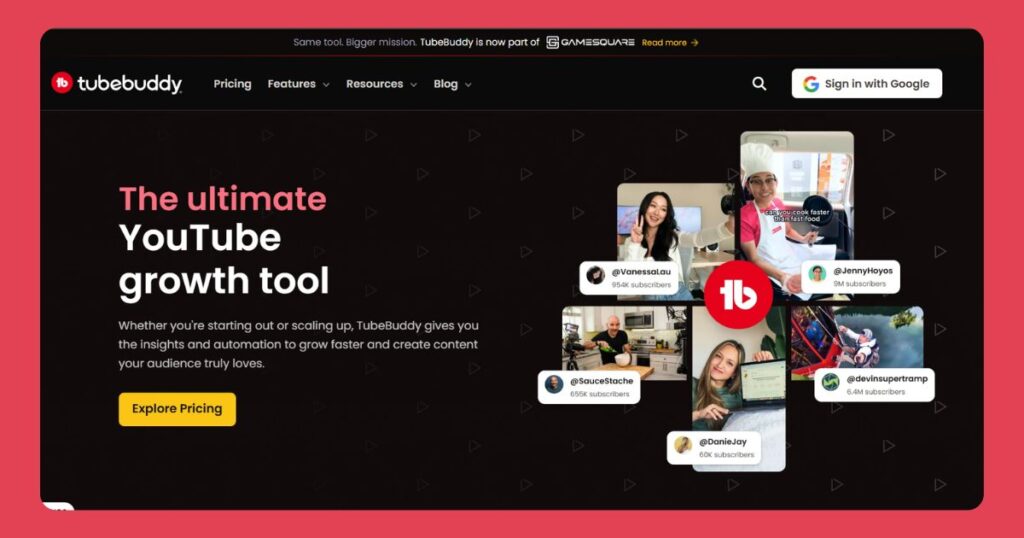
Cost: Free plan available. Paid plans from $2.50/month (annual) Website: tubebuddy.com Best For: Optimization workflow and SEO guidance built directly into YouTube Studio
TubeBuddy is a browser extension that adds an SEO layer directly on top of YouTube Studio. It gives you keyword scores, tag suggestions, an optimization checklist for every upload, and a competitor tag viewer that reveals the hidden tags on any YouTube video — all without leaving YouTube.
The free plan is genuinely useful for beginners learning what good optimization looks like in practice. The paid plans unlock A/B thumbnail testing, bulk video editing, and deeper keyword analytics — features worth paying for once you’re publishing consistently.
TubeBuddy Pricing — February 2026:
| Plan | Monthly | Annual |
|---|---|---|
| Free | ₹0 | ₹0 |
| Pro | $4.99 / ₹421 | $2.50 / ₹211 |
| Legend | $23.99 / ₹2,024 | $19.99 / ₹1,686 |
Limitation: Free plan shows keyword volume ranges, not exact numbers. Most powerful features (A/B testing, bulk editing) require paid plans.
6. VidIQ
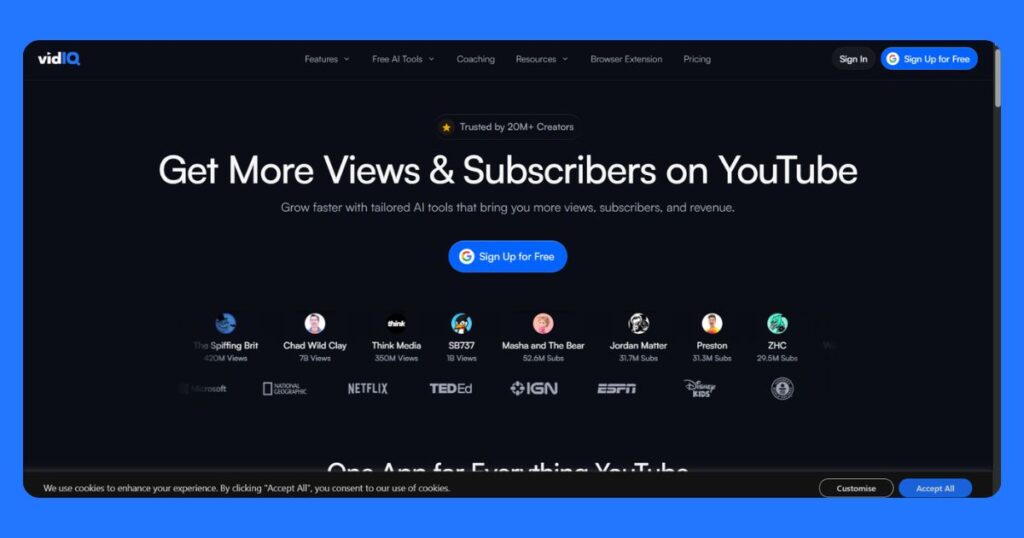
Cost: Free plan available. Paid plans from $5/month (annual) Website: vidiq.com Best For: Keyword research and competitor tracking
VidIQ is TubeBuddy’s main competitor and in 2026, most creators agree that VidIQ’s free plan gives you more keyword data without paying. You get actual keyword scores with search volume and competition levels, a real-time views-per-hour overlay on any YouTube video, competitor channel tracking for up to 3 channels, and daily AI-generated video ideas tailored to your niche.
The views-per-hour feature is particularly useful — if a competitor’s video suddenly spikes, it’s a strong signal that topic or format is resonating with the audience right now.
VidIQ Pricing — February 2026:
| Plan | Monthly | Annual |
|---|---|---|
| Free | ₹0 | ₹0 |
| Pro | $7.50 / ₹632 | $5 / ₹421 |
| Boost | $19 / ₹1,602 | $16.58 / ₹1,398 |
TubeBuddy vs VidIQ: Install both — they work simultaneously without conflicting. VidIQ is better for keyword data; TubeBuddy is better for optimization workflow and checklists. Using both free tiers together gives you more than either alone.
Limitation: Free plan competitor tracking is limited to 3 channels. No A/B testing or retention analysis on any free tier.
Keyword and Tag Tools
7. Keyword Tool (keywordtool.io)
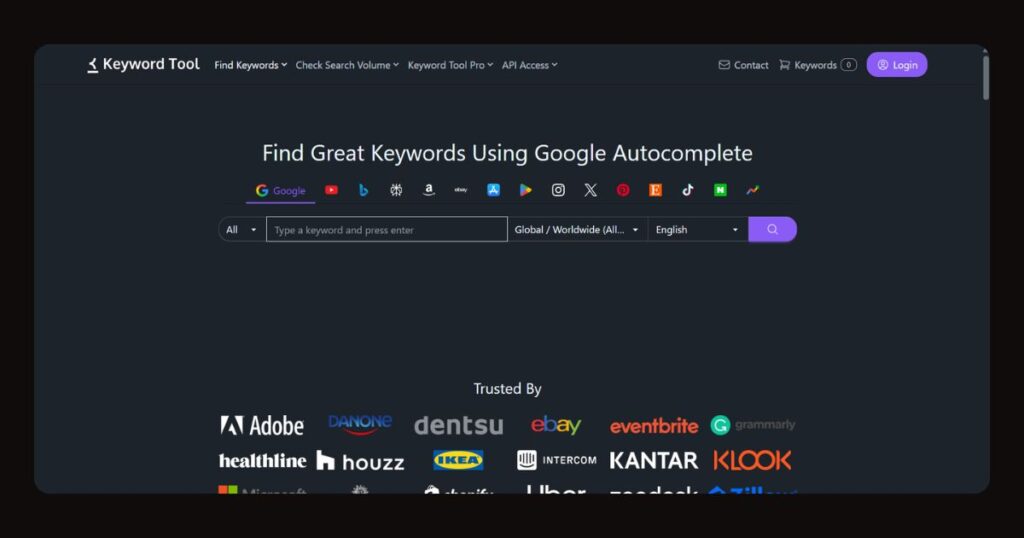
- Cost: Free (no account needed). Pro from $69/month
- Website: keywordtool.io
- Best For: Generating large lists of long-tail keyword ideas quickly
Keyword Tool uses YouTube’s autocomplete API to generate 100–200 long-tail keyword variations from any seed keyword — instantly, with no account required. It’s excellent for brainstorming content ideas and finding keyword angles you wouldn’t have thought of manually.
Best approach: Use Keyword Tool to generate a wide list of ideas, then paste the best candidates into VidIQ’s free keyword explorer to validate them with actual scores before committing to a topic.
Limitation: Search volume and competition data are locked behind the paid plan. Free plan is for ideation only, not validation.
8. RapidTags
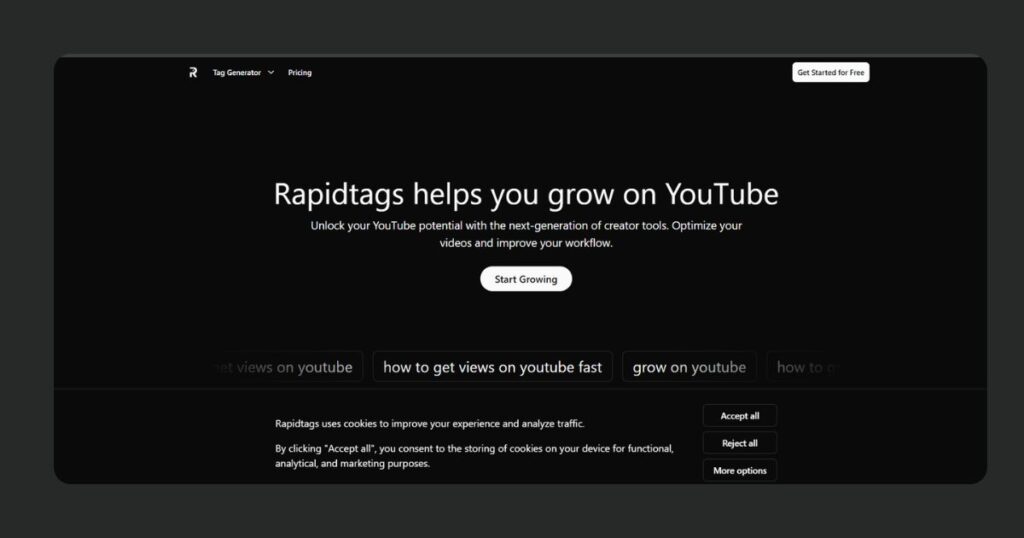
- Cost: 100% Free
- Website: rapidtags.io
- Best For: Generating a relevant tag set in seconds
Type your video title or keyword and RapidTags instantly produces a set of relevant YouTube tags you can copy directly into YouTube Studio. Simple, fast, no friction. Use a mix of broad, medium, and specific tags — aim for 10–15 relevant ones rather than 30 generic ones.
Limitation: No search volume or competition data. Starting point for tag ideas, not a research tool.
9. TagsForYouTube (Browser Extension)
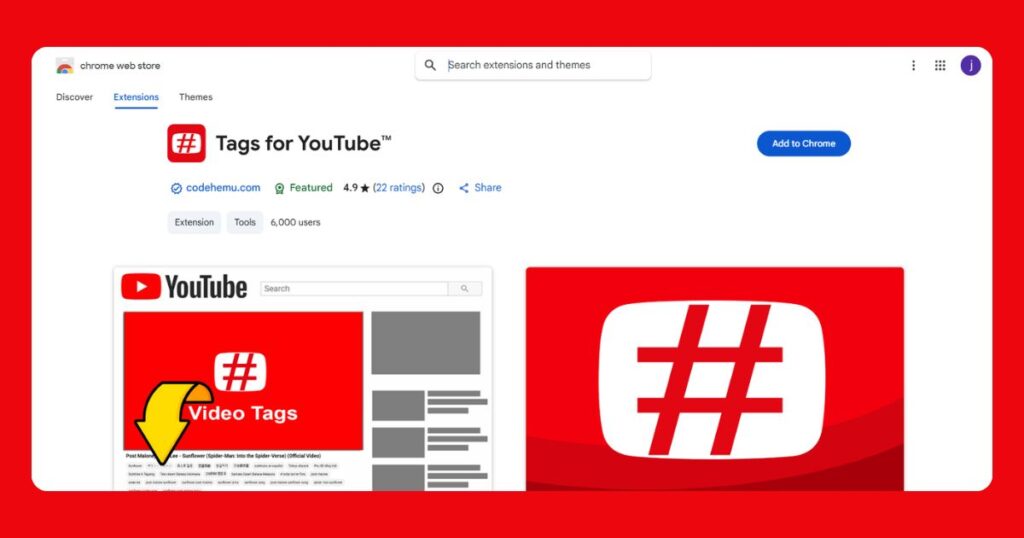
- Cost: 100% Free
- Best For: Seeing the hidden tags on any YouTube video
TagsForYouTube is a browser extension that reveals the tags of any YouTube video directly on the page. When you search your target keyword and look at the top-ranking videos, you can instantly see what tags those creators used — direct competitive intelligence at zero cost.
Best approach: Look at the top 5 videos for your keyword, identify which tags appear consistently across all of them, and prioritize those in your own video.
Limitation: Tags carry less ranking weight in 2026 than a few years ago. Useful, but not the most impactful optimization factor anymore.
10. CRAIDE
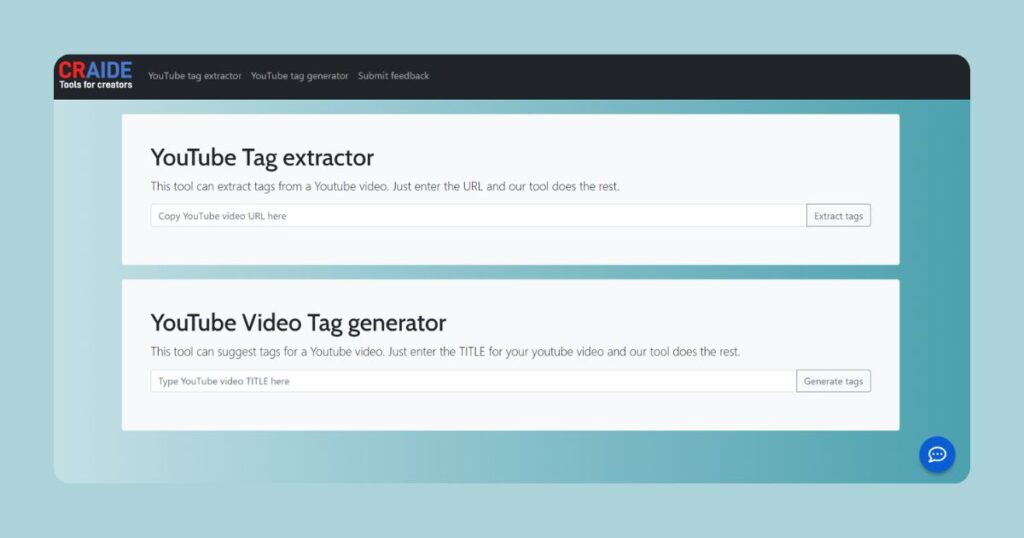
- Cost: 100% Free
- Website: craide.com
- Best For: Tag generation and tag extraction without installing a browser extension
CRAIDE offers both a tag generator (enter a keyword, get relevant tags) and a tag extractor (paste any YouTube URL, get all hidden tags used by that video) — similar to TagsForYouTube but as a web tool. If you prefer not to install browser extensions, CRAIDE gives you the same tag extraction capability through a simple web interface.
Limitation: Like all tag tools, no search volume or difficulty data. Use alongside VidIQ for complete keyword research.
11. TubeRanker
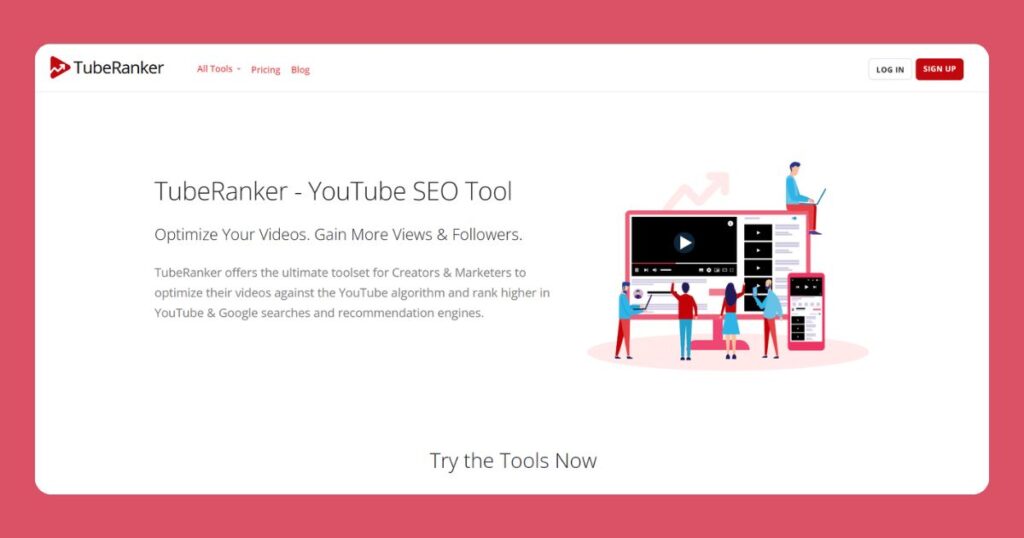
- Cost: Free plan available. Paid from $9/month
- Website: tuberanker.com
- Best For: Channel audits, rank tracking, and tag research in one place
TubeRanker is an underrated free toolkit that combines channel auditing, rank tracking, tag generation, and title/description generation in one platform. The channel audit feature is particularly valuable — enter your channel URL and get a health check showing exactly what’s optimized and what needs fixing. The free rank tracker lets you monitor where specific videos rank for target keywords over time.
Free tools inside TubeRanker:
- Tag Generator — finds tags used by top-ranking videos for your search term, similar to TagsForYouTube but as a web tool
- Channel Audit — enter your channel URL and get a health check showing what’s optimized, what’s missing, and what needs fixing
- Rank Tracker — track where specific videos rank for target keywords over time (limited queries on free plan)
- Title Generator — suggests multiple optimized title formats based on your keyword
- Description Generator — creates SEO-friendly video descriptions using your keyword and topic as inputs
Limitation: Free plan has daily usage limits. Sufficient for creators publishing once or twice a week.
Channel Analytics and Competitor Research
12. Social Blade
- Cost: Free (basic). Pro at $3.99/month
- Website: socialblade.com
- Best For: Tracking competitor channel growth over time
Social Blade shows subscriber growth, view counts, and a channel performance grade for any public YouTube channel. Before entering a niche, check whether the top channels there are growing or declining. If established channels are consistently losing subscribers, the niche may be saturating. If newer channels are growing fast, there’s active audience demand to tap into.
Social Blade lets you look up the public stats of any YouTube channel — including channels that aren’t yours. Enter any channel name or URL and instantly see:
- Subscriber count history — daily gains and losses for the past 30 days
- Monthly and total view counts
- Estimated earnings range (very approximate — treat as directional only)
- A letter grade (A++, A+, A, B, C…) based on overall channel performance
- Side-by-side comparison of up to 3 competing channels
Limitation: Earnings estimates are extremely rough approximations — treat them as directional only, never as reliable figures.
13. NoxInfluencer
- Cost: Free (limited). Paid plans available
- Website: noxinfluencer.com
- Best For: Niche research, audience demographics, and finding collaboration partners
NoxInfluencer offers slightly richer free channel analytics than Social Blade, including estimated audience demographics (age range, gender distribution) and engagement rates for any public YouTube channel.
Particularly useful for:
- Understanding whether a niche has an engaged audience before you enter it
- Finding channels of similar size for potential collaborations
- Researching what audience your competitor’s channel actually attracts
Limitation: Like Social Blade, earnings estimates are rough approximations. Use NoxInfluencer for directional research and audience understanding, not precise data.
14. Morningfame
- Cost: Free trial. Paid from $3.90/month (annual). Invite-only access.
- Website: morningfame.com
- Best For: Creators who want clear guidance rather than raw data
Morningfame is unlike every other tool on this list. Instead of giving you numbers and leaving you to figure out what they mean, Morningfame tells you in plain language what to do next based on your channel’s specific situation.
When you log in, Morningfame:
- Summarizes your channel’s recent performance in plain English (“Your last 5 videos are performing 30% below your channel average — here’s what changed”)
- Grades your video optimization on a clear A–F scale and specifies exactly what to fix
- Shows keyword opportunity scores calibrated to your channel size — so it recommends keywords that channels your size can actually rank for, not just globally popular terms
- Compares videos against each other to identify what content format and topic style works best for your specific audience
Access note: Morningfame operates on an invite-only basis. You need an invite code from an existing user to sign up. You can request one directly from their website, but it may take a few days. This is genuinely worth the wait — the platform is one of the most useful free-trial tools for creators who feel overwhelmed by raw analytics data.
Limitation: Requires an invite code to access — request one from their website. Not instantly accessible like other tools. Worth the wait.
15. Metricool
- Cost: Free plan available. Paid from $22/month
- Website: metricool.com
- Best For: Small business owners who manage YouTube alongside other social platforms
Metricool combines YouTube analytics with social media scheduling, making it the most useful tool on this list for small businesses running YouTube as part of a broader digital marketing strategy. The free plan covers YouTube analytics, best-time-to-post insights, and competitor analysis for up to 5 channels — alongside scheduling support for other platforms.
Free plan includes:
- YouTube channel analytics — views, watch time, subscriber growth, and engagement rates
- Best time to post analysis — shows when your audience is most active on YouTube
- Competitor analysis for up to 5 competitor channels
- Basic content scheduling for YouTube and social media platforms
Limitation: Advanced analytics and unlimited scheduling require paid plans.
Design and Content Tools
16. Canva
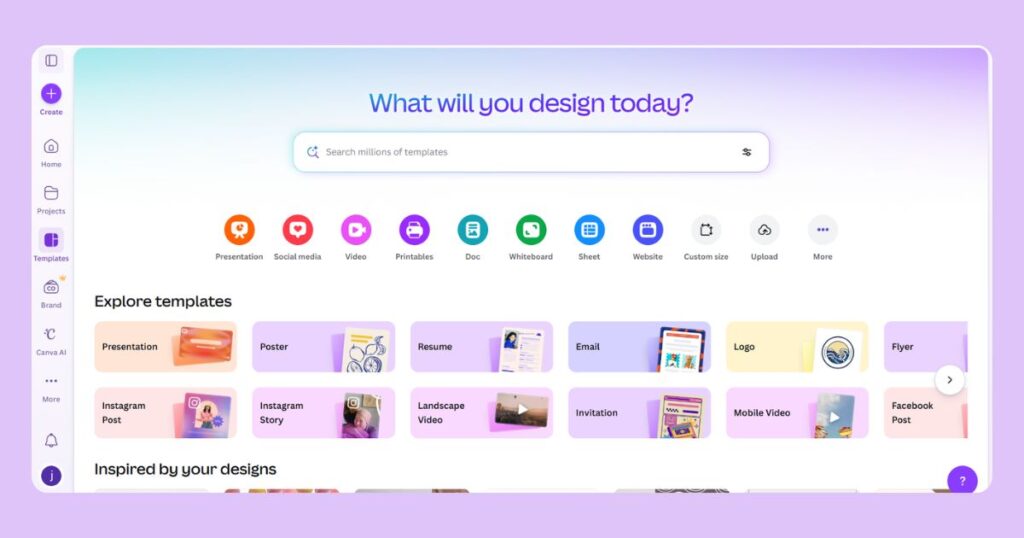
- Cost: Free plan available. Pro at $12.99/month (₹1,095/month)
- Website: canva.com
- Best For: Designing professional YouTube thumbnails without a designer
Your thumbnail directly affects your CTR — and CTR is a YouTube ranking signal. A better thumbnail means more clicks, more watch time, and higher rankings. Canva’s free plan includes YouTube thumbnail templates at the correct 1280×720 resolution, a large library of free graphics and photos, and AI tools including text-to-image generation and background removal.
Canva’s free plan includes:
- YouTube thumbnail templates in the correct 1280×720 resolution
- A library of free stock photos, icons, and graphics
- Text overlay tools with hundreds of font options
- Background remover (limited on free plan)
- Brand Kit for consistent channel branding (limited on free plan)
Canva AI features in 2026:
- Magic Write — generate thumbnail text and overlay copy from a prompt
- Magic Media — generate custom AI images for thumbnails from a text description
- Background Remover — one-click background removal for product or portrait photos
- Magic Expand — extend a photo beyond its original frame for wider thumbnail formats
Limitation: The free plan has limits on AI tool usage and Brand Kit features. Sufficient for occasional thumbnail creation; upgrade to Pro for daily content work.
17. ThumbnailTest
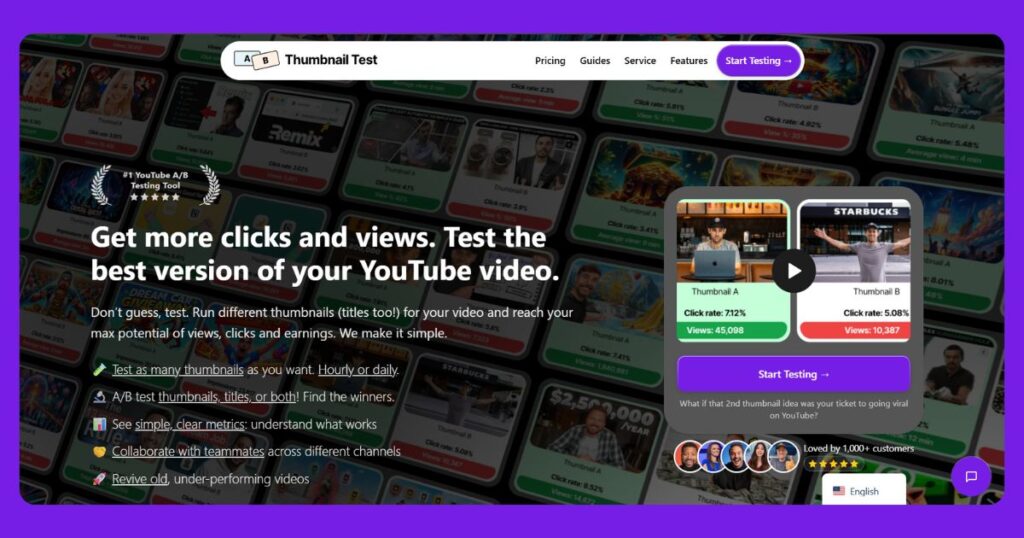
- Cost: Free (limited). Paid plans available
- Website: thumbnailtest.com
- Best For: A/B testing thumbnails to find which one gets more clicks
ThumbnailTest lets you upload multiple thumbnail variations and measure which one generates higher CTR with real audience data. This is a feature that normally requires TubeBuddy’s paid plan — ThumbnailTest makes basic thumbnail A/B testing accessible for free.
Most creators design one thumbnail and never know if a different version would have performed better. ThumbnailTest solves this — upload two thumbnail variations and it measures which one generates higher CTR with real audience data. This is normally a paid TubeBuddy feature; ThumbnailTest makes it accessible for free.
Limitation: Thumbnail A/B testing requires sufficient traffic to generate statistically meaningful results. For very new channels getting under 500 views per video, there won’t be enough data to confidently declare a winner. Prioritize other tools until your channel has meaningful traffic.
18. VEED.io
- Cost: Free plan available. Pro at $24/month
- Website: veed.io
- Best For: Auto-generating subtitles and captions for YouTube SEO
Adding subtitles and closed captions to your videos is an underrated YouTube SEO move. YouTube’s algorithm can index the text in your captions, making your video discoverable for spoken keywords that may not appear in your title or description. Captions also improve watch time — studies consistently show that captioned videos retain more viewers, particularly on mobile where many people watch without sound.
VEED.io’s free plan lets you:
- Auto-generate subtitles from your video’s audio in minutes
- Edit and correct the transcript before exporting
- Export subtitles as SRT files for uploading directly to YouTube Studio
- Add burned-in captions to your video for social media repurposing
Limitation: VEED.io’s free plan has a 30-minute video time limit and adds a small watermark to exported videos. For the SRT file export (which is what you upload to YouTube — not the video itself), the watermark doesn’t matter. The free plan is sufficient for YouTube caption generation.
Keyword Validation
19. Google Keyword Planner
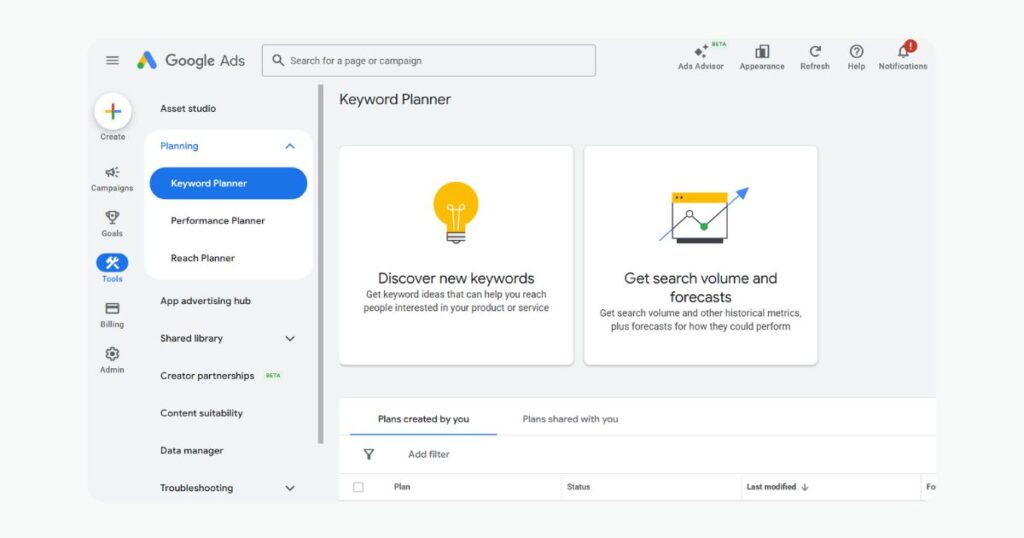
- Cost: Free (requires a free Google Ads account — no need to run any ads)
- Website: ads.google.com → Tools → Keyword Planner
- Best For: Confirming that a keyword has real search demand before you invest time filming
Google Keyword Planner is a Google Ads tool, but it’s useful for YouTube creators because it provides real search volume data — the kind of quantitative validation that most free YouTube tools can’t give you.
The YouTube application: While Keyword Planner shows Google Search volumes (not YouTube-specific), there’s a strong correlation between what people search on Google and YouTube for the same topics. A keyword with high Google search volume almost always has meaningful YouTube search volume too.
Use it to:
- Confirm a keyword has at least 100+ monthly searches before making a video around it
- Find higher-volume variations of your original keyword idea
- Identify seasonal search patterns (which months are peak vs. low)
How to get free access: Create a Google Ads account at ads.google.com (completely free, skip all campaign creation steps) → navigate to Tools → Keyword Planner → Discover New Keywords.
Honest limitation: Keyword Planner shows volume as ranges (“1K–10K/month”) rather than exact numbers unless your account has active ad spend. The ranges are still useful for deciding whether a keyword is worth targeting.
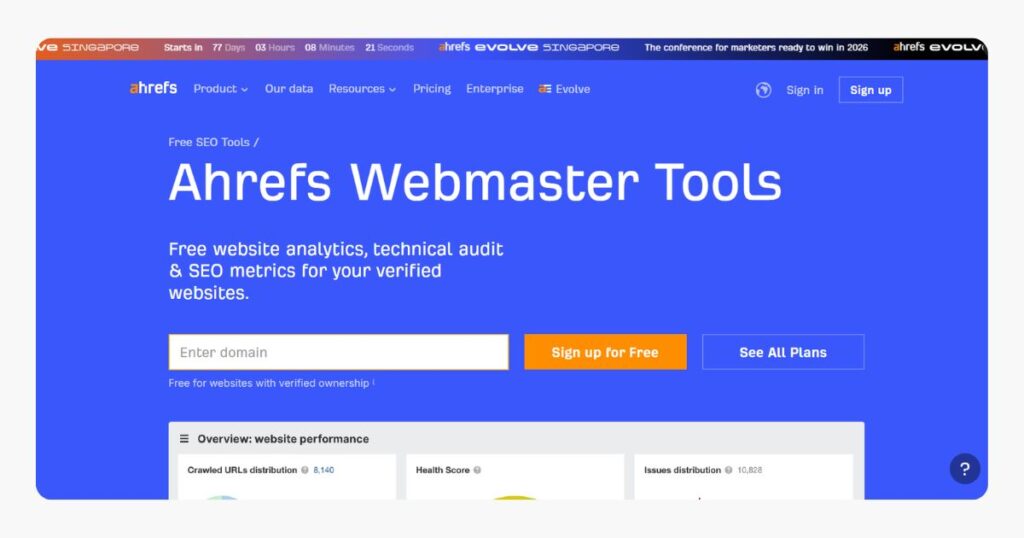
20. Ahrefs Webmaster Tools
- Cost: Free (requires verifying your own website)
- Website: ahrefs.com/webmaster-tools
- Best For: Understanding external links pointing to your YouTube content
This one works slightly differently from the others. Ahrefs Webmaster Tools is primarily for websites, but here’s why it matters for YouTube creators: if you have a website or blog alongside your YouTube channel (which you should — it builds topical authority and sends external traffic to your videos), Ahrefs Webmaster Tools shows you every external website linking to your site, including links pointing to embedded YouTube videos.
External links to your videos — from blog embeds, forum threads, news articles — contribute to video authority on both YouTube and Google search. The more high-quality external sources reference your video, the stronger its authority signal.
Honest limitation: Ahrefs Webmaster Tools only works for your own verified website, not for researching competitors’ external link profiles. For competitor backlink research, you’d need a paid Ahrefs plan. For most YouTube-focused creators, this is a bonus tool rather than an essential one.
The Free YouTube SEO Workflow: How to Combine These Tools
You don’t need to use all 20 tools. Here’s a practical, completely free workflow combining the best tools at each stage:
Before filming — Keyword Research:
- Use YouTube Autocomplete to collect 10–15 keyword variations around your topic
- Cross-reference with Google Trends (YouTube Search filter) to confirm the keyword is growing, not declining
- Use Keyword Tool (keywordtool.io) to expand your list with additional long-tail variations
- Validate your top 3 keyword candidates in VidIQ’s free Keyword Explorer — get scores and competition data
- Choose your primary keyword. Make sure it has a reasonable score in VidIQ and rising or stable trend on Google Trends.
During upload — Optimization:
- Write your title with the primary keyword in the first 60 characters
- Write your description — minimum 200 words, primary keyword in the first 2 sentences, supporting keywords throughout
- Use YTSeoTools’ Tag Generator or RapidTags to generate your tag list — select 10–15 genuinely relevant tags
- Use TagsForYouTube or CRAIDE to see what tags the top-ranking videos for your keyword use — add the most relevant ones
- Run your draft through TubeRanker’s free Title Generator and SEO check for a quick optimization score
Thumbnail creation:
- Design your thumbnail in Canva using the 1280×720 YouTube template
- Create two variations (different color scheme, different text placement, or different facial expression)
- Test them with ThumbnailTest after publishing — switch to the winner once you have sufficient data
After publishing — Tracking and Improvement:
- Check YouTube Studio Analytics every week — specifically Traffic Sources, CTR, and Audience Retention
- Monitor keyword rankings with TubeRanker’s free Rank Tracker
- Use VidIQ to track 3 competitor channels — note which videos spike in views and what topics they cover
- Use Social Blade monthly to check broader growth trends for channels in your niche
- Add VEED.io subtitles if you haven’t already — upload the SRT file to YouTube Studio for indexing benefits
Free vs. Paid: Exactly When Should You Upgrade?
The free tools on this list are sufficient for most creators in their first 6–12 months on YouTube. There is no need to pay for anything until you hit these specific bottlenecks:
Upgrade TubeBuddy to Pro ($2.50/month annual) when: You want A/B testing for thumbnails and titles, and you’re publishing consistently enough to generate test data quickly. Also useful when managing more than 50 videos and want bulk editing capabilities.
Upgrade VidIQ to Pro ($5/month annual) when: You need deeper keyword data — exact search volumes rather than score ranges — and want to track more than 3 competitor channels simultaneously.
Upgrade Canva to Pro ($12.99/month) when: You’re creating thumbnails daily, need unlimited Brand Kit access, and want full AI image generation (Magic Media) without limits.
Don’t upgrade anything yet if:
- You’re publishing less than once a week
- You haven’t used the free tools consistently for 2–3 months
- You have under 100 subscribers
- You haven’t set up YouTube Studio Analytics and Google Trends yet
Tools amplify what you’re already doing. If you’re not publishing consistently and optimizing every video, no paid tool will fix that.
Common YouTube SEO Mistakes These Tools Help You Avoid
Targeting keywords that are too competitive: A brand new channel targeting “YouTube SEO” — dominated by TubeBuddy, VidIQ, Neil Patel, and Brian Dean — has essentially zero chance of ranking on page 1. Use VidIQ’s keyword scores to find keywords where channels similar to your size are already ranking. Compete where you can actually win.
Ignoring the video description: Many creators write one-sentence descriptions. YouTube’s algorithm reads your full description to understand what your video covers. Write 200–300+ words in every description, with your primary keyword in the first 2–3 sentences and supporting keywords used naturally throughout.
Using irrelevant tags to “game” the algorithm: Stuffing unrelated tags used to be a trick. In 2026, YouTube’s algorithm ignores or penalizes irrelevant tags. Use only tags genuinely relevant to your specific video content.
Publishing without keyword validation: Making a video on a topic that nobody is actively searching for is the most common and most avoidable mistake new YouTubers make. Always validate your primary keyword in at least one tool before filming — takes 5 minutes and saves weeks of wasted effort.
Never updating old videos: Most creators ignore their existing back catalog. Old videos with poor optimization can be revived by updating their titles, descriptions, and tags to reflect better-researched keywords. Use TubeRanker’s channel audit to identify which existing videos have the lowest optimization scores.
Bottom Line
You do not need to spend money to do YouTube SEO properly in 2026. The combination of YouTube Studio Analytics, Google Trends, VidIQ free, TubeBuddy free, YTSeoTools, Keyword Tool, TagsForYouTube, CRAIDE, Social Blade, Canva free, and VEED.io gives you a complete, professional-grade YouTube SEO toolkit at absolutely zero cost.
Start with what’s already free. Build the habit of researching and optimizing every single video before you publish it. Then, once you’re publishing consistently and seeing results, look at which specific limitation — more keyword data, thumbnail A/B testing, bulk editing — is holding you back, and upgrade only the tool that addresses that exact bottleneck.
The creators winning on YouTube in 2026 are not necessarily the ones with the most expensive tools. They’re the ones who consistently publish, consistently optimize, and consistently improve based on real data. These free tools give you all the data you need. The consistency is entirely up to you.
Frequently Asked Question
Is TubeBuddy or VidIQ better for free users in 2026?
For keyword research, VidIQ's free plan gives you more numerical data. For optimization workflow and checklists, TubeBuddy's free plan is more structured. Since both work simultaneously as browser extensions without conflicting, install both — you get the strengths of each without paying for either.
Do YouTube tags still matter in 2026?
Yes, but much less than before. Even TubeBuddy acknowledged in 2026 that tags carry reduced ranking weight compared to a few years ago. Tags help YouTube categorize your video and surface it in related content — but title, thumbnail CTR, watch time, and description are all significantly more important. Don't ignore tags, but don't spend more than 5 minutes on them per video.
How long does YouTube SEO actually take to show results?
Most creators see measurable results from consistent optimization within 4–8 weeks. Some videos rank within days; others take months depending on competition and channel authority. Consistency of publishing with proper optimization on every video will outperform sporadic publishing with perfect optimization every single time.
Which single free tool should I start with first?
YouTube Studio Analytics — it's already inside your channel, it's completely free, and it shows you everything about your own performance. Then install VidIQ free for keyword research before your next video upload. These two tools alone will meaningfully improve your results without spending anything.
Do these tools work for Indian YouTubers and regional content?
Yes — all tools on this list work globally. YTSeoTools specifically supports tag generation in 23 languages including Hindi, Tamil, Bengali, and Urdu, and filters by country including India. Google Trends lets you filter by Indian state for regional insights. VidIQ and TubeBuddy both support Indian audience data through their analytics overlays.
Is YTSeoTools reliable for professional use?
YTSeoTools is a solid free utility, especially for tag generation and title ideas in multiple languages. It doesn't provide keyword difficulty scores or search volume data, which limits its use for serious keyword research. Use it as a fast utility for tag generation and combine it with VidIQ or Google Trends for validated keyword data before making content decisions.
Can I rank on YouTube without using any tools at all?
Yes, but it's significantly slower and involves a lot more guesswork. Without tools, you're estimating keyword demand, can't see competitor tags, and have no way to measure whether your optimization is working. Free tools completely eliminate these blind spots — there's no rational reason not to use them.
Have a question about a specific tool or need help deciding what to use for your particular type of channel? Drop it in the comments below — every question gets a reply.Share
Explore for more such info – thejatinagarwal.in